What you purchase
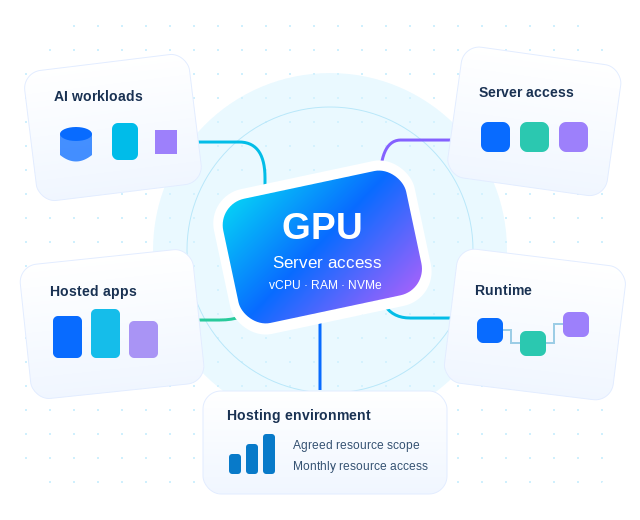
A monthly subscription to the GPU hosting environment specified in your accepted order. It provides access to the server/GPU resources allocated for your AI application.
GPU RESOURCE CONFIGURATION
Budget Entry
1 × NVIDIA RTX 3090 / A4000
- VRAM
- 16–24 GB
- CPU
- 4 vCPU
- RAM
- 16 GB
- Storage
- 50 GB NVMe SSD
The exact GPU and provider allocation are confirmed in your accepted hosting order.
GPU RESOURCE CONFIGURATION
Performance Entry
1 × NVIDIA RTX 4090 / L4
- VRAM
- 24 GB
- CPU
- 8 vCPU
- RAM
- 32 GB
- Storage
- 100 GB NVMe SSD
The exact GPU and provider allocation are confirmed in your accepted hosting order.
Choose your deployment route
Specialist Cloud and Hyperscaler describe deployment routes. RunPod/Lambda and GCP/AWS are examples of these categories, respectively. The accepted order identifies the actual provider and GPU instance. Provider names do not imply a partnership or identical hardware availability across clouds.
Example workloads
Compatibility examples help you assess a starting configuration. They are not measured throughput, accuracy or availability guarantees.
01
Text models and chatbots
Budget Entry is a starting point for quantized Llama 3 8B, internal text assistants and early MVP workloads.
02
AI application APIs
Performance Entry offers more memory and CPU capacity for a small public AI API. Model precision, context and concurrency determine actual memory requirements.
03
Image-generation workloads
The supplied compatibility examples include Stable Diffusion v1.5 and SDXL. Deployment depends on model licensing, permitted use, provider rules and the available serving configuration.
Confirm what is included
- The exact GPU, available VRAM, CPU, RAM and storage allocation.
- The actual cloud provider, region and service availability.
- Operating hours, workload limits, network charges and any separately chargeable usage.
- Access delivery, application administration and included support responsibilities.
- Backup arrangements, data export and the treatment of data when hosting ends.
Access and activation
01
Select your subscription
Choose Budget Entry or Performance Entry, then select Specialist Cloud or Hyperscaler.
02
Confirm your hosting order
Confirm the actual GPU, provider, region, access method, operating scope and any additional charges before purchase.
03
Review recurring billing
Review the monthly subscription, applicable tax and payment terms through the available payment arrangement.
04
Receive hosting access
After payment verification and deployment confirmation, Krelovia AI Hosting provides the agreed access details and onboarding instructions.
Customer application responsibilities
Confirm who maintains application code, model files, dependencies, credentials, licenses, stored data and backups. A model or API requiring a separate license or account remains subject to its own terms. Krelovia AI Hosting does not imply that every model fits every GPU or concurrency setting.
Find the hosting configuration for your application
Monthly GPU hosting from Krelovia AI Hosting.
Tell us your model, serving stack, expected workload and preferred cloud route. We will confirm the allocation and operating scope before you subscribe.
Contact & Support