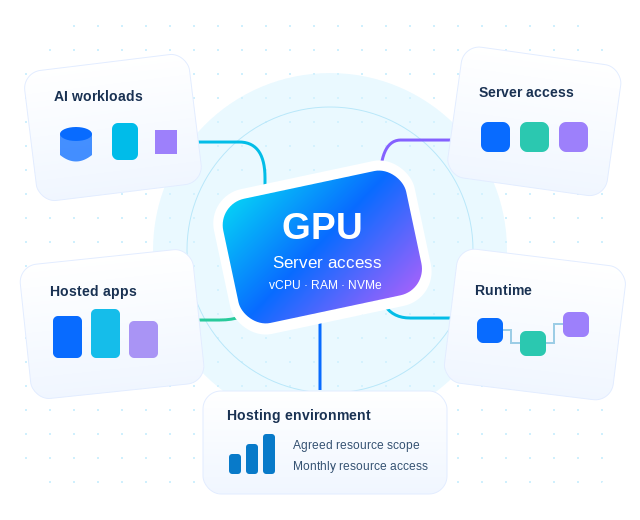
From order to hosting access
01
Select your subscription
Choose Budget Entry or Performance Entry, then select Specialist Cloud or Hyperscaler.
02
Confirm your hosting order
Confirm the actual GPU, provider, region, access method, operating scope and any additional charges before purchase.
03
Review recurring billing
Review the monthly subscription, applicable tax and payment terms through the available payment arrangement.
04
Receive hosting access
After payment verification and deployment confirmation, Krelovia AI Hosting provides the agreed access details and onboarding instructions.
Resources and responsibilities
- The exact GPU, available VRAM, CPU, RAM and storage allocation.
- The actual cloud provider, region and service availability.
- Operating hours, workload limits, network charges and any separately chargeable usage.
- Access delivery, application administration and included support responsibilities.
- Backup arrangements, data export and the treatment of data when hosting ends.
Workload configuration
Before deployment, identify the model and version, inference precision, serving runtime, context length, expected concurrency and storage needs. These details affect fit and performance. The accepted order identifies the allocation and the responsibilities for configuration and ongoing operation.
Questions before activation
Ask us to clarify your access method, provisioning steps, limits, backup arrangements, support scope and any additional costs before accepting the order.
Contact & Support